


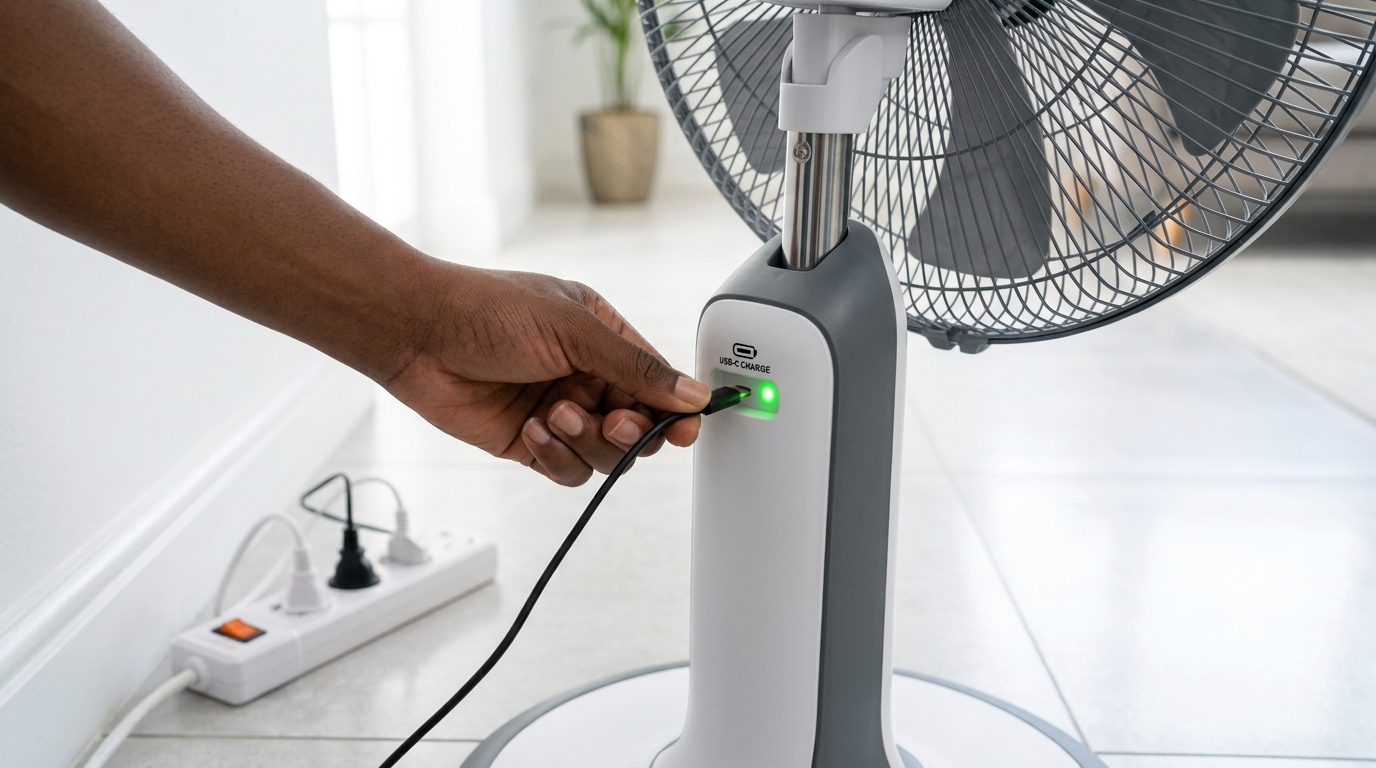
A rechargeable fan that gives six hours on day one but barely manages two less than a year later has usually not failed. It has been worn down, and in most Nigerian homes the causes are surprisingly similar.
Frequent outages, crowded extension boards, hot rooms and a charger borrowed from a neighbour all take their toll. Each of them has a simple fix. Here are the seven most common mistakes that shorten rechargeable fan battery life, and what to do instead.
Mistake 1: Draining It Flat Every Time
Every battery has a limited number of charge cycles, and deep discharges use them up faster. When a fan runs until it cuts out, the cells are pushed to their lowest point, which ages them quickly.
Picture a store owner in Ibadan who runs the fan all evening and only plugs it in once it stops. A short top-up whenever light returns, even for an hour, treats the battery far more gently.
The fix:
Recharge when the fan starts to slow down, not when it switches off.
Mistake 2: Charging in a Hot, Closed Space
Batteries warm up while charging, and that heat needs somewhere to go. A fan left on a bed, on a sofa or inside a shut cabinet traps it.
A unit charged beside an inverter or on top of a fridge will run hotter than one sitting on a tiled floor or an open table. Heat is what ages batteries fastest, so this habit adds up over months.
The fix:
Charge it in a shaded spot with air moving around it.
Mistake 3: Using Any Charger That Fits
A plug that fits the socket does not mean the voltage matches. An unsuitable charger can undercharge the battery or push too much current into it, and neither problem shows up straight away.
A charger from an old radio might slot in neatly, yet deliver a completely different output. The damage tends to appear later as a fan that “just stopped holding charge”.
The fix:
Use the charger supplied with the fan. If it gets lost, buy a replacement made for that model from an authorized seller.
Mistake 4: Ignoring the Quality of the Power Supply
Low voltage in the evening, sudden spikes when the grid comes back, and long cheap extension cords shared by several devices all affect how a battery charges. A weak supply charges slowly and incompletely, while a spike can stress the charging circuit.
The fix:
Plug the fan into a stabilized socket or surge protector where possible, and keep the charging cable short and direct. If you are using a generator, wait a minute for the output to settle before you connect.
Mistake 5: Running at Full Speed All Night
Top speed draws the most power, so the battery empties faster and cycles more often. Yet after a rainy evening or in a well-ventilated bedroom, a lower setting is often plenty.
Try the middle speed for a few nights. Many users find they sleep just as comfortably, and the fan lasts several hours longer on the same charge. That also means fewer recharge cycles over the year.
The fix:
Start low, and go higher only when the room really needs it.
Mistake 6: Leaving It Unused, Empty or Full, for Months
Fans often get pushed into a corner during the cooler season. A battery left completely flat can drop to a level where it no longer accepts a charge, while one kept fully charged and hot loses capacity gradually.
The fix:
Store the fan at roughly half charge if it uses lithium-ion cells, and top up lead-acid models about once a month. Keep it somewhere dry, away from damp walls and direct sun.
Mistake 7: Opening or Repairing It Yourself
When the fan misbehaves, it is tempting to open the battery compartment or ask a roadside technician to swap the cells. The trouble is that non-genuine batteries may not match the fan’s circuit, and tampering can void your cover.
The fix:
Keep your receipt and warranty card in a safe place, and contact authorized support for any battery fault. A genuine replacement keeps the fan working as designed.
How Build Quality and Warranty Protect Your Investment
Good habits help, but the product itself sets the ceiling. A fan with quality cells, built-in charging protection, a sturdy casing and a well-made motor will cope with Nigerian conditions far better than a budget unit.
That is where durability matters. A rechargeable fan is used almost daily, often during long outages, so it needs components that can handle repeated charging without complaint.
Warranty adds another layer. It gives you recourse if a genuine fault shows up, though it is worth reading the terms so you know what counts as normal use. Following the charging habits above keeps you well within them.
Choose a Royal Rechargeable Fan Built to Last, Then Look After It
In short, rechargeable fan battery life depends on a handful of habits: recharge before the fan empties, charge in a cool and open space, stick to the correct charger, protect it from rough power, and use lower speeds when you can. Store it sensibly, and leave repairs to authorized support so your warranty stays intact.
If your current fan is past its best, it may be time to choose one built for long daily use. Royal Electronics focuses on durable products backed by warranty, so you can plan around the next outage with confidence.
Visit the Royal Electronics website or your nearest store to compare rechargeable fans and find the one that suits your home.
